
Portfolio

Designing your Website aka Portfolio

Lorem ipsum dolor sit amet, consectetur adipiscing elit. Suspendisse varius enim in eros elementum tristique.

8 hours

Class:

2

Introduction

Overview

Your website aka portfolio is often your first impression. This module focuses on how to design a website that is not only visually appealing but also user-friendly and reflective of your personal brand. 💥 We're giving you a step-by-step guide we have crafted with our Mentors, that is designed to make you stand out! Get ready!

Lesson 01

Choosing the right platform

Honestly, it has never been easier to start a website with the tools that we have available today. With website builders like Squarespace, Wix, or WordPress its just a matter of personal preference and costs. 💰

We have gathered a full list of our popular website builders and options on page two of our presentation 👀 below. Some offer great templates and others offer great flexibility for customization to fit your style and needs.

🚨 Our personal favorites are Wordpress in combination with Semplice - as it offers great customization and a one time payment. Framer is the new fancy kid on the block and anyone who loves working with Figma will instantly fall in love. But even WYSIWYG platforms are good options as well - especially Wix (studio) or Squarespace if you want to choose a great template and quickly set up your portfolio. 📌 PS: Only if you are really into learing to code SuperHi would be our pick.

Lesson 02

Structuring your Portfolio

Here is what you need to know when it comes to the structure: For more details check our presentation below.

❶ Sitemap & Fundamental Pages: 👉 Start by mapping out your website. Consider creating a sitemap. ⚡️At a minimum, your portfolio should include a an 'About' page where you share your story and background, and your main 'Project/Work' page where your projects are displayed. A 'Contact' page is optional. You could also include contact info in your footer. '

❷ Layout Options: 👉 Consider whether a multi-page layout or a single-page (one-pager) layout suits your work best. One-pagers are sleek and keep all content in one place, which can be great for simplicity and ease of navigation.

❸ Using Templates vs. Original Design: 👉 While there are fantastic templates available on platforms like Squarespace and Wix that can get you started quickly, infusing originality into your design can help your portfolio stand out. Customize templates to add personal touches or, if you’re comfortable, design something from scratch to ensure your portfolio is a true reflection of your unique style. If you lean heavily into Originality, Framer or Webflow in combation with a UI layout built in Figma would be our first pick. 💥

Wireframing your idea: 👉 Regardless of the platform you choose, try drawing your pages as wireframes first, especially when originality is your main focus. 📣This will help put you in the mind of your visitor, and their journey, as they navigate your website. Here's an example a great tutorial.

❺ Showcasing Work: 👉 How you present your work can make a big difference. Include high-quality images or videos of your projects, and consider adding case studies or brief descriptions that explain the context and impact of each project. This not only shows what you can do but also how you think and solve problems.

Needless to say that Responsive mobile optimized pages are a must, as well as SEO optimization. 🔍 You can go even deeper and check out these great Articles onBuilding a website project plan or more planning practices.

Lesson 03

Optimizing for User Experience and SEO

A great portfolio isn’t just about looking good—it needs to perform well too. Ensure your site is optimized for mobile devices and loads quickly to improve user experience. 👀 Use tools like Google PageSpeed Insights to analyze and enhance your site’s loading times. SEO is crucial for making your portfolio discoverable.

👉 Focus on incorporating relevant keywords into your site’s titles, descriptions, and image alt texts. Tools like Yoast SEO, especially if you’re using WordPress, can guide you through optimizing your site for search engines effectively. But nowadays AI tools will help you tremendously to optimize for SEO optimization.

Your Deepdive:

Your Homework:

Homework

Choose the right Platform

Take the necessary time to review all your options, 👀 experiment and choose the right approach, platform that suits your needs. ⚡️Pivoting at a later stage is often frustrating.

Start homework
Homework

Start designing your Portfolio

Choose a website / portfolio platform you feel comfortable with or want to learn. ⚠️ Block at least 2 weeks of focused time each day to start crafting your portfolio. Start by learning the tool and how to handle it. Once done, start small. Begin with the homepage, about page and 2-3 case studies. 💥

Start homework
Homework

Review your current portfolio

If you have a portfolio already, Review your current portfolio and identify areas that need updating or improvement. ✏️ Collect feedback - either by asking other Makers in our Slack channel or scheduling a portfolio with a Mentor you trust. Now go and schedule these updates. ⚡️

Start homework

Discuss:

Discussion

Review your current portfolio

If you have a portfolio already, Review your current portfolio and identify areas that need updating or improvement. ✏️ Collect feedback - either by asking other Makers in our Slack channel or scheduling a portfolio with a Mentor you trust. Now go and schedule these updates. ⚡️
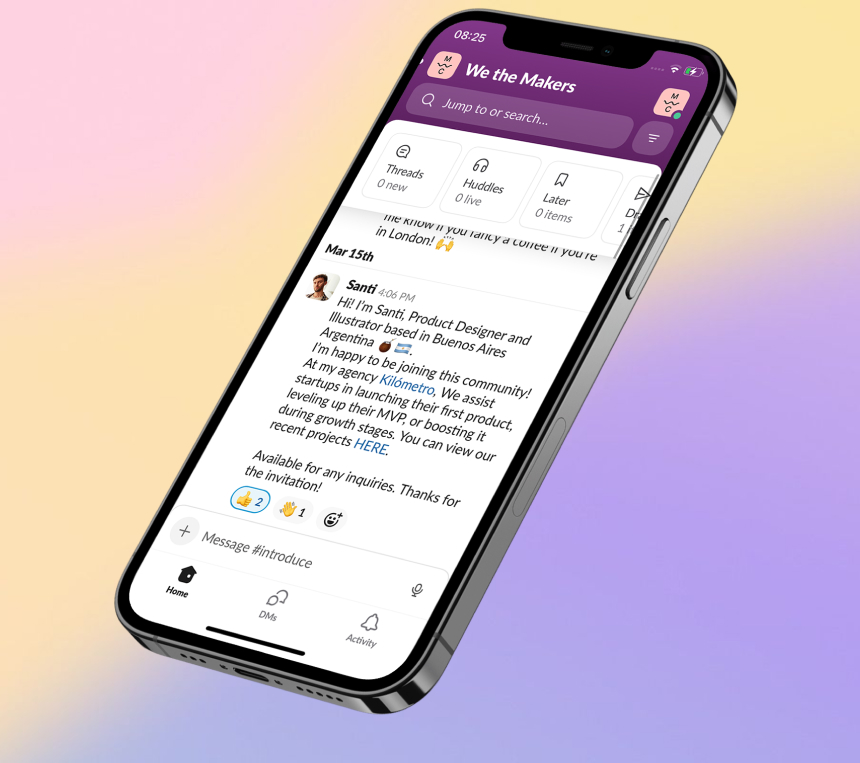
Chat in the Accelerator Group
💬   ACCELERATOR CHAT

Connect with hundreds of Makers + Mentors to chat

Open Accelerator Chat
Update cookies preferences ___