
The Social Game

Mastering Planning & Content Creation

Lorem ipsum dolor sit amet, consectetur adipiscing elit. Suspendisse varius enim in eros elementum tristique.

6 hours

Class:

5

Introduction

Overview

Managing social media effectively goes beyond just posting content—it's about strategic planning and smart scheduling. Let us guide you through the tools and techniques that will streamline your social media efforts, ensuring you're not just active but impactful. 💥

We'll dive into setting up a content calendar, utilizing top scheduling tools, and mastering content creation software to keep your feeds lively and engaging.

Lesson 01

Crafting Your Content Calendar

We like to use a content calendar for all our social media platforms. 📆 It helps you plan out when and what to post, ensuring a balanced mix of content types that resonate with your audience. Start by mapping  key dates that are relevant to your brand —like product launches or important events—and plan themed content around these dates. 👀

🛠️ Tools like Notion or Trello offer an intuitive way to visualize your content schedule with cards and lists, while Google Calendar can be used to set reminders for regular posting. Here’s a guide on creating a content calendar that can help you get started.

Lesson 02

Utilizing Scheduling Tools

Scheduling tools are a lifesaver for maintaining a consistent presence on social media without needing to be online 24/7. 🚀 Platforms like Buffer and Hootsuite allow you to schedule posts across multiple social media channels from a single dashboard.

👉 But our personal cheaper and more powerful go-to Scheduler is Metricool ✨, which has cool extra features like Autolists or detail Insights across all platforms. It even allows you to track and compare to competitors.

Set up your account, and try scheduling posts at different times and days to determine when your audience is most active. 👉 Here’s a step-by-step tutorial on using Metricool to optimize your posting schedule. But let's be real - it is better to publish certain content directly like Instagram Stories or Tiktok videos as scheduling tools have some limitations and restrictions.

Lesson 03

Using Content Creation Tools

Creating 👁️ eye-catching content consistently can be challenging. Therefore we use a combination of Figma (for designing graphics for posts), Canva (for Stories and Reels mostly), and sometimes even Adobe Spark. When it comes to video editing 🎬, Canva is okay for simple animationsand editing, but our main video editing tool is 🌟 Capcut (for reformating videos, adding captions, changing video ratios etc). We use After Effects only for specific motion graphics.

👉 Experiment with these tools to create posts & reels that align with your brand’s aesthetic. Check out our presentation below to see more details on how we use content creation tools ourselves. 👇

Your Deepdive:

Your Homework:

Homework

Set Up Your Content Calendar

Use either our own free Notion Content Calendar tool (in the link below), Trello or Google Calendar 📆 and create a content calendar for the next month.

Start homework
Homework

Experiment with a Scheduling Tool

Choose any of the scheduling tools we laid out and connect your social profiles. 📆 Schedule posts for the next week, experimenting with different types of content and timing. Use the analytics feature to track which posts perform best.

Start homework
Homework

Design your Social Media Template

Use either Figma or Canva to create your next social media post template. (Canva has some inspiring Story or feed post templates too). ⚡️Try to incorporate elements of your brand’s visual identity. Now let's schedule your newly designed post.

Start homework

Discuss:

Discussion

Design your Social Media Template

Use either Figma or Canva to create your next social media post template. (Canva has some inspiring Story or feed post templates too). ⚡️Try to incorporate elements of your brand’s visual identity. Now let's schedule your newly designed post.
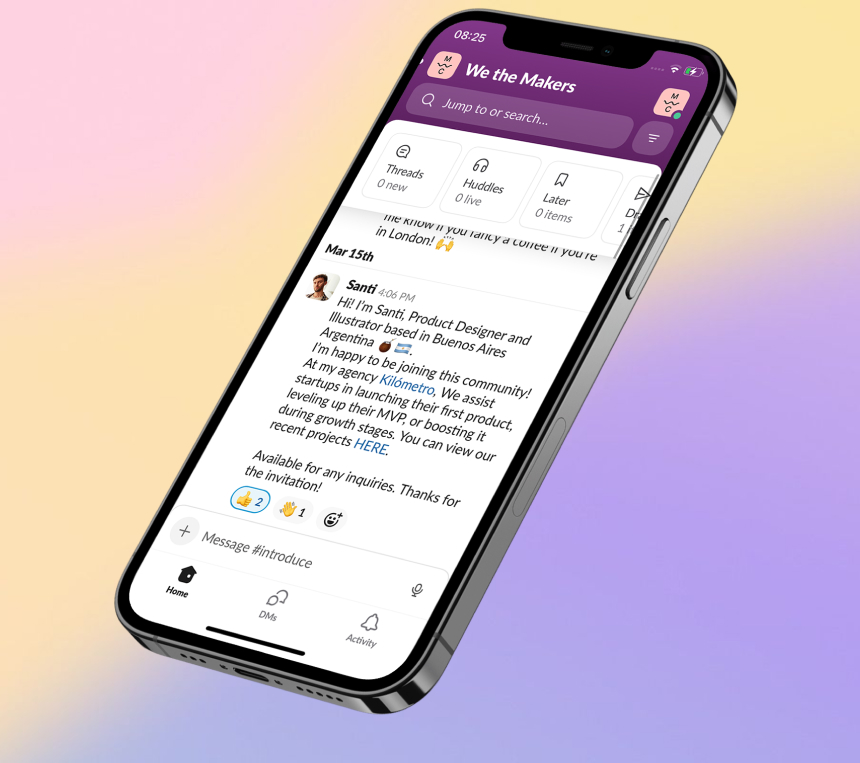
Chat in the Accelerator Group
💬   ACCELERATOR CHAT

Connect with hundreds of Makers + Mentors to chat

Open Accelerator Chat
Update cookies preferences ___